Publish a revision
Turn a saved Next.js or Laravel revision into a running application on your infrastructure.
Publishing makes a selected app revision available as a deployment. It is a separate, explicit action: building an app or opening a preview does not publish it.
- 01Choose a revision
The owner selects one saved successful build.
- 02Build an isolated image
Wrenly freezes source and validates the runtime inside Docker.
- 03Keep source and image private
Gitea holds source; your registry holds the exact runtime image.
- 04Run it with Coolify
Coolify pulls that image digest and receives runtime secrets separately.
- 05Verify the deployment
Wrenly checks the remote job, routed HTTP response and deployment identity.
Before you publish
- You are the project owner and have a successful saved revision.
- Your instance operator has completed publishing setup.
- You have reviewed the app in local preview.
Next.js and Laravel13 are supported. Managed generated-app databases, persistent uploads and background-worker lifecycles remain separate capabilities.
Publish from the workspace
- Open the project and select the revision you want from history.
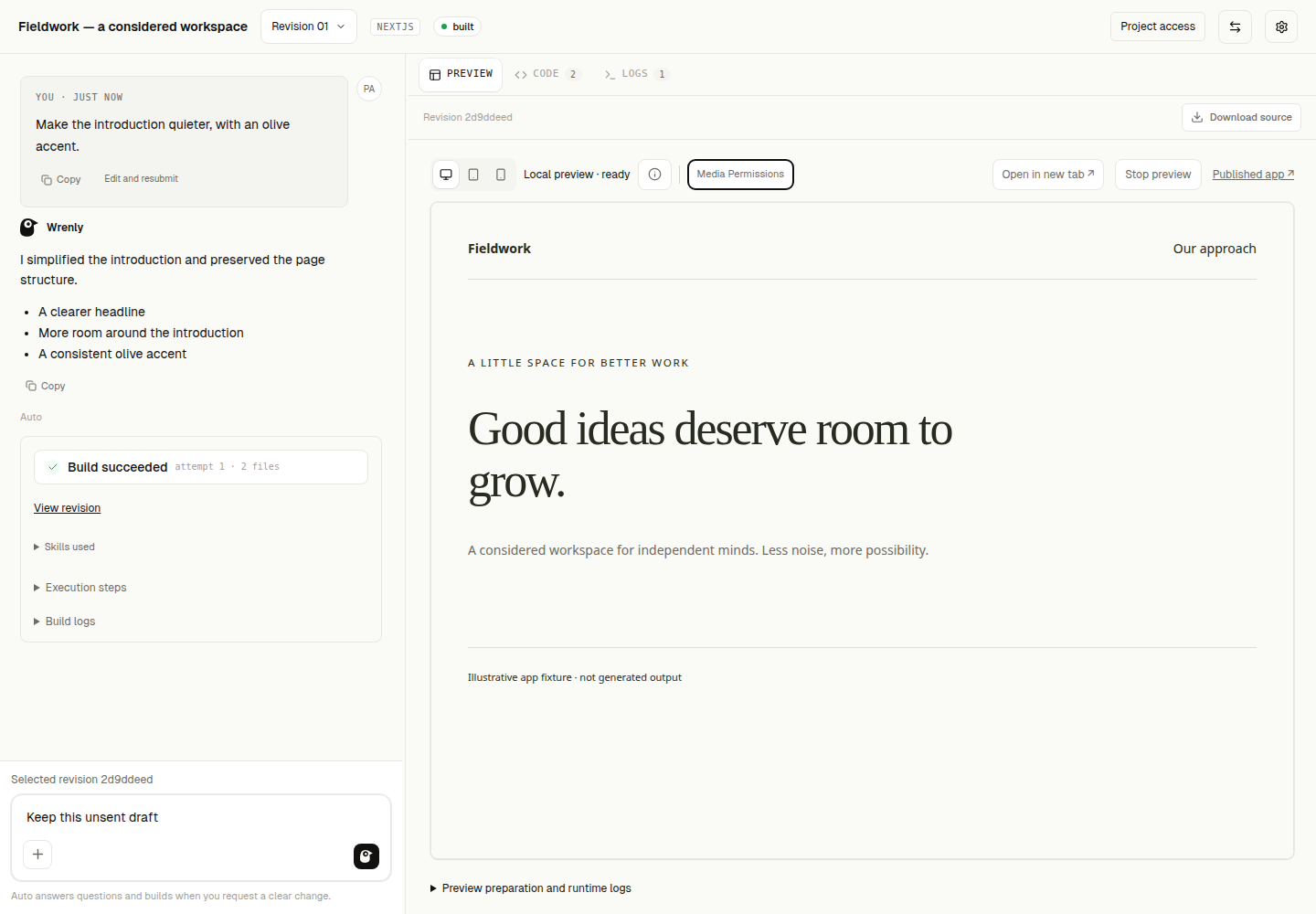
- In the Preview toolbar, choose Publish this version.
- Watch its recorded status. You can reload; execution continues independently.
- When verified, use Published app to open the routed application.
A latest successful publish for this revision replaces the redundant Publish action with access to the published app. Publishing again from another revision is an explicit action.
Find earlier deployments
Open Projects → Deployments to review attempts for projects you can currently read. Open revision returns to the saved source and workspace; it does not publish again. A historical application link is not a live health check.
If publishing needs attention
| What you see | What to do |
|---|---|
| Publishing unavailable | Ask the instance operator to review publishing configuration. |
| Failed | Review the saved diagnostic; fix the cause, then retry deliberately. Your build and preview are retained. |
| Interrupted or unconfirmed | Ask the operator to verify remote activity and reconcile the saved operation before trying again. |
| Queued | Wait for the executor, or cancel before the operation is claimed. |
Closing the browser does not cancel a deployment. Wrenly does not automatically repeat an uncertain remote operation. Operator recovery and limits explain the next steps for configuration and interrupted work.
Why these services?
Gitea · source
A private repository retains the generated source history.
Registry · image
Stores the sandbox-built runtime that passed validation.
Coolify · runtime
Runs the exact image and receives runtime secrets separately.
These are the current adapters. Additional repository and deployment providers are on the roadmap; the current Connections page does not activate them.
Why publishing keeps the exact image
An image tag can move to different content later. Wrenly verifies the uploaded image's content hash (its digest) and asks the deployer to run that exact image. This avoids rebuilding generated source with different dependencies or settings on the deployment server. Registry credentials are used for promotion; application secrets are supplied at runtime, rather than committed into source or included as build-time credentials.